
Self-Guided CPR Training Kiosk Solution
Innovative Product for Public Institutions (Korea)
Certification No. 2021-158Item ID No. 25313496
Training Solution Overview
A Fun Way to Learn CPR with a Kiosk
Train independently without an instructor or setup, and make CPR practice more accessible.
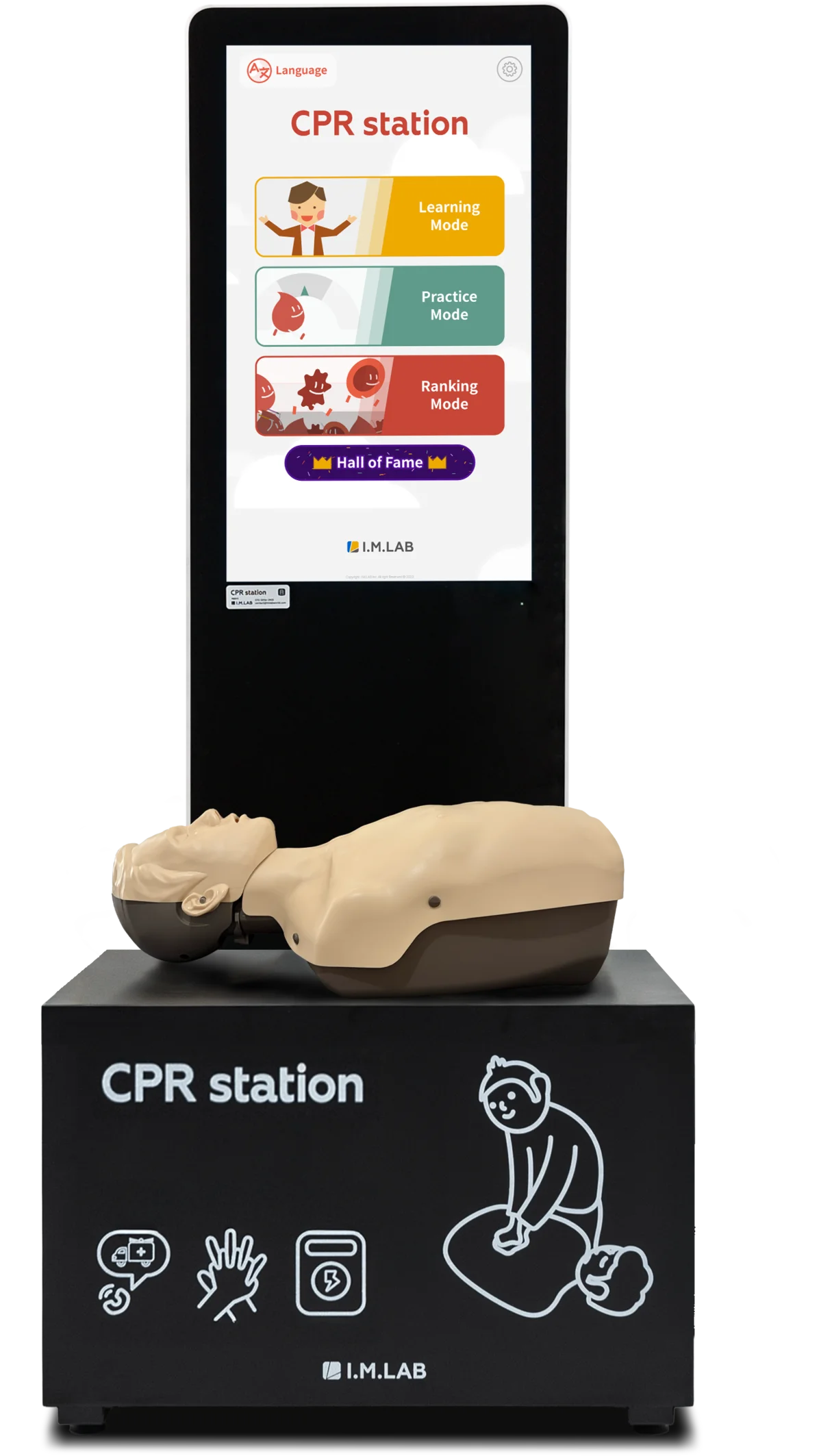

Theory Content
Videos, Quizzes & AED Mode

Practice Mode
Real-Time Feedback CPR & AED Practice

Ranking Mode
Competitive CPR Mode for Fun Learning
3 Key Benefits of the CPR Kiosk
Hands-On Training Without an Instructor
Employees, visitors, and members
can learn CPR on their own, anytime,
with self-guided content.
An Engaging Way to Learn CPR
Step-by-step and mission modes
guide a structured learning process.
*Supports up to 4 learners at once
Accurate, Effective Feedback
High-precision feedback evaluates
depth, rate, and recoil in detail,
and training reports can be downloaded.
See CPR station in Action
Watch each session in the tabs below
CPR station Training Content Preview
Preview each training mode below
Theory Training with Videos, Quizzes & AED
- Video Training
Learn CPR in Just 3 Minutes
Learn chest compression CPR concepts, steps, and techniques easily in just 3 minutes.
- CPR Quiz
A Quick CPR Quiz to Lock It In
Quickly review after video lessons to check whether you understood the CPR theory.
- AED Theory
Step-by-Step AED Learning
Learn AED concepts, steps, and usage easily through a step-by-step approach.
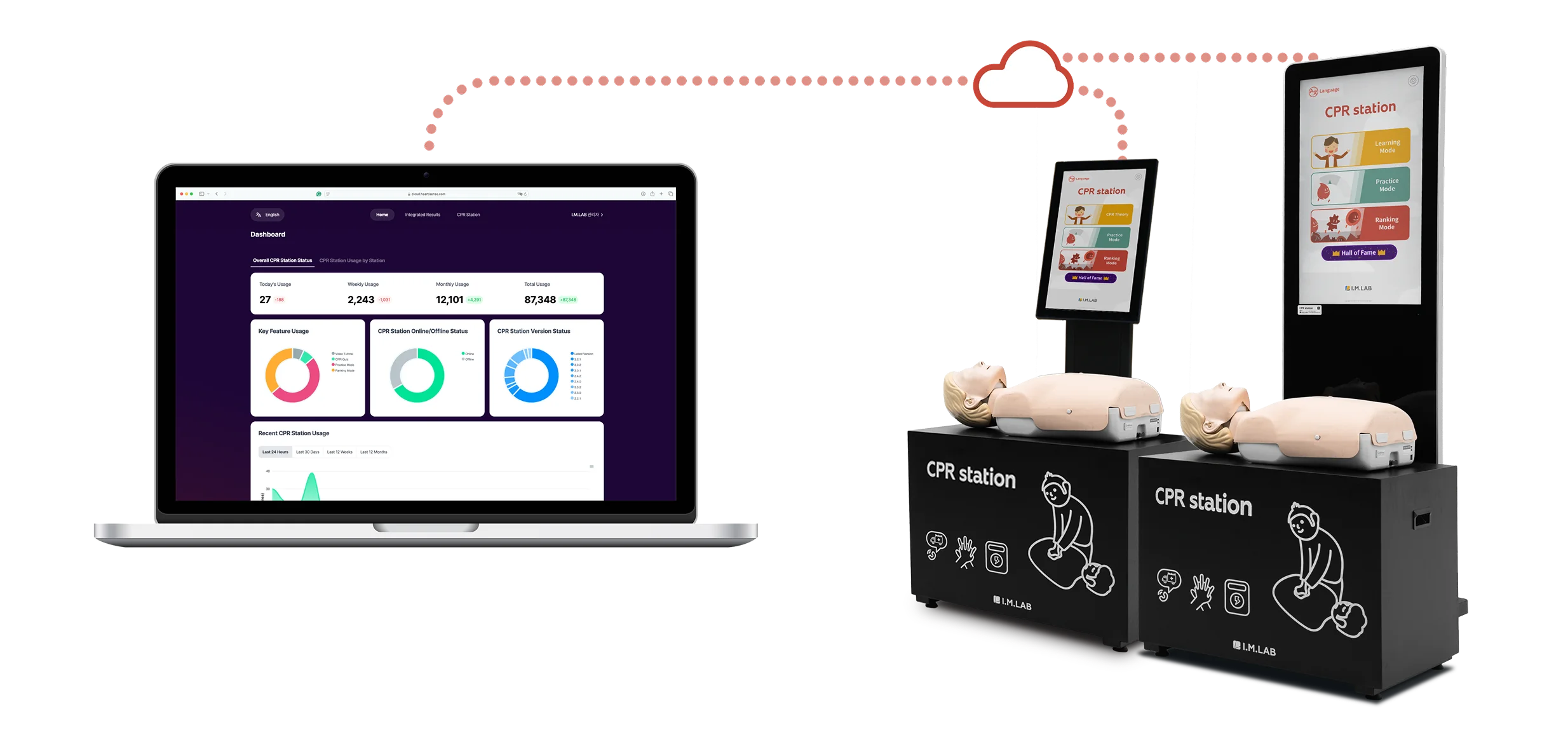
CPR cloud
An Admin Page That Makes Kiosk Management Easy
CPR cloud manages your kiosks efficiently, however many you have and wherever they are.
Monitor kiosk status and access stored results easily via the cloud.
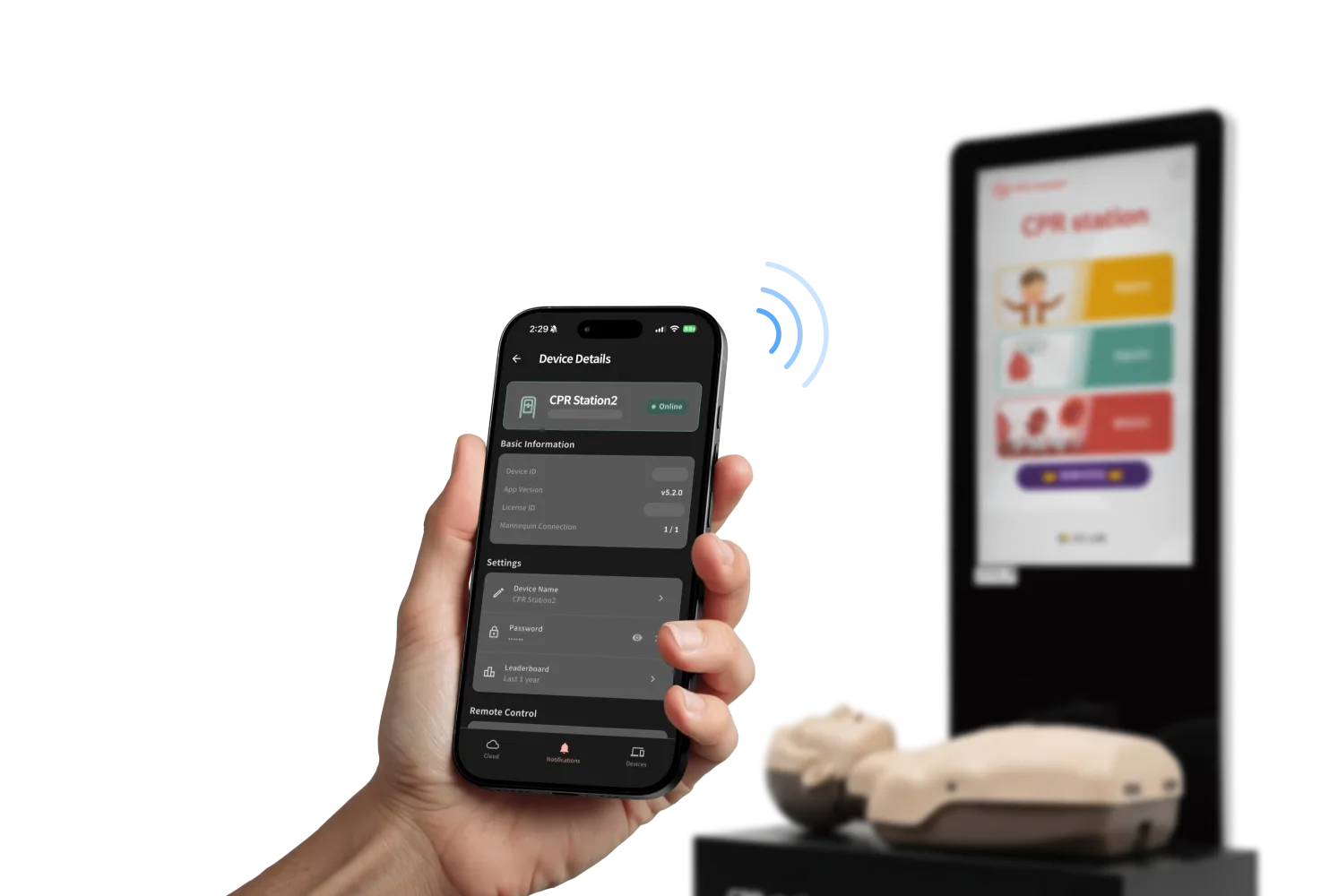
Cloud Mobile App
CPR cloud app
Manage Your Kiosks Anytime, from Anywhere
Install the mobile app to use every web feature plus the remote control function!
Admins can manage kiosks with ease without visiting the site.

More Ways to Use the CPR Kiosk
Explore each use case below
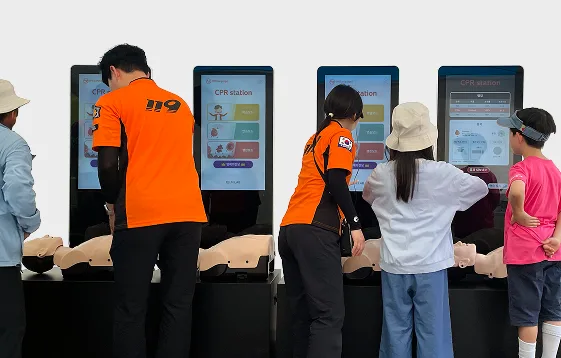
Running a CPR Competition
Many public institutions and companies host CPR competitions with the kiosk.
Based on the stored data, you can rank participants over the event period and award prizes.
Proven Training Program, Rated Highly by Users
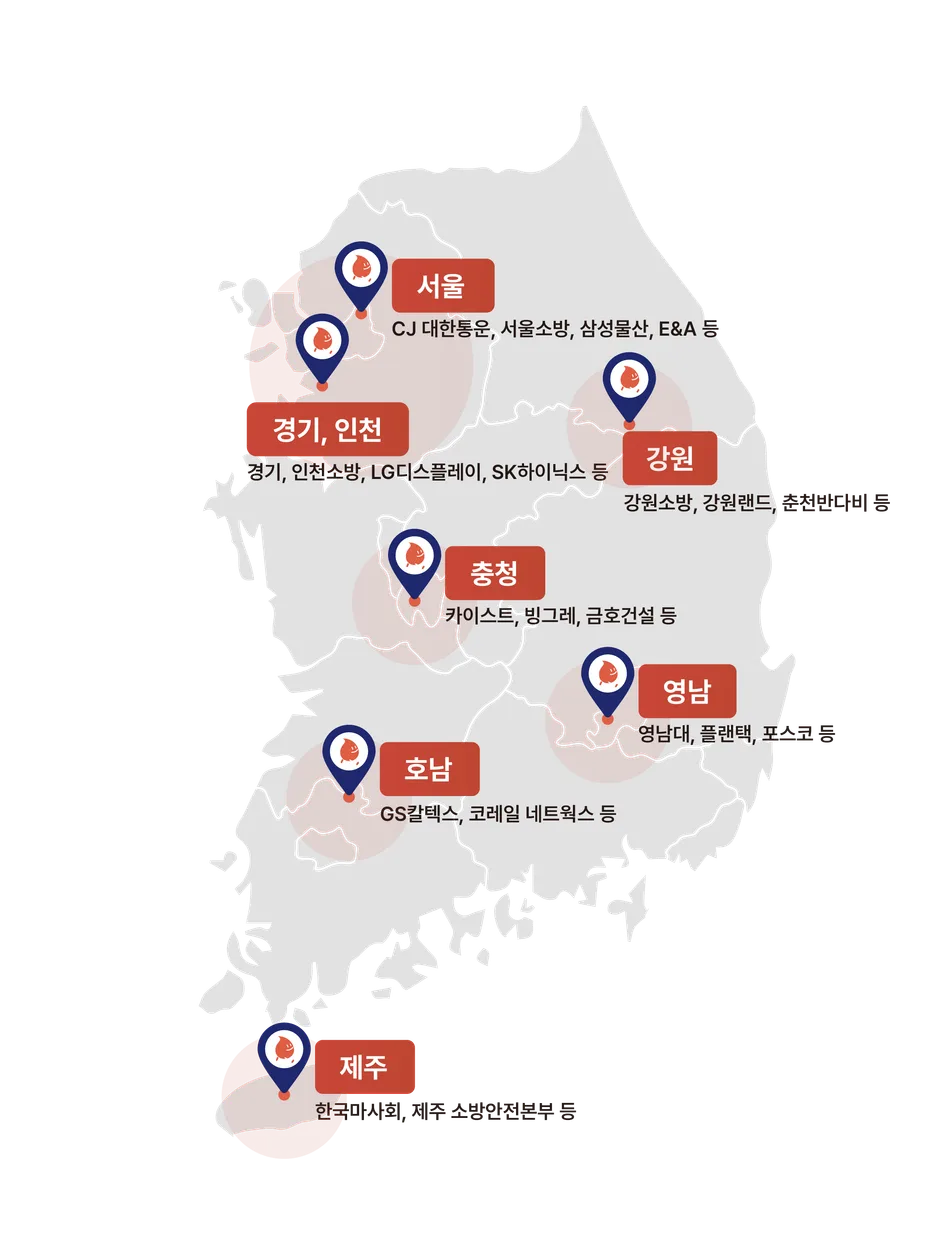
278 CPR station units installed across Korea
CPR station offers structured training that anyone can experience,
and is widely used in safety centers, corporations, institutions, and educational facilities in Korea.

Curious Where CPR station Is Installed?
*In Korea


Compare Lineup
Scroll sideways to see the full comparison
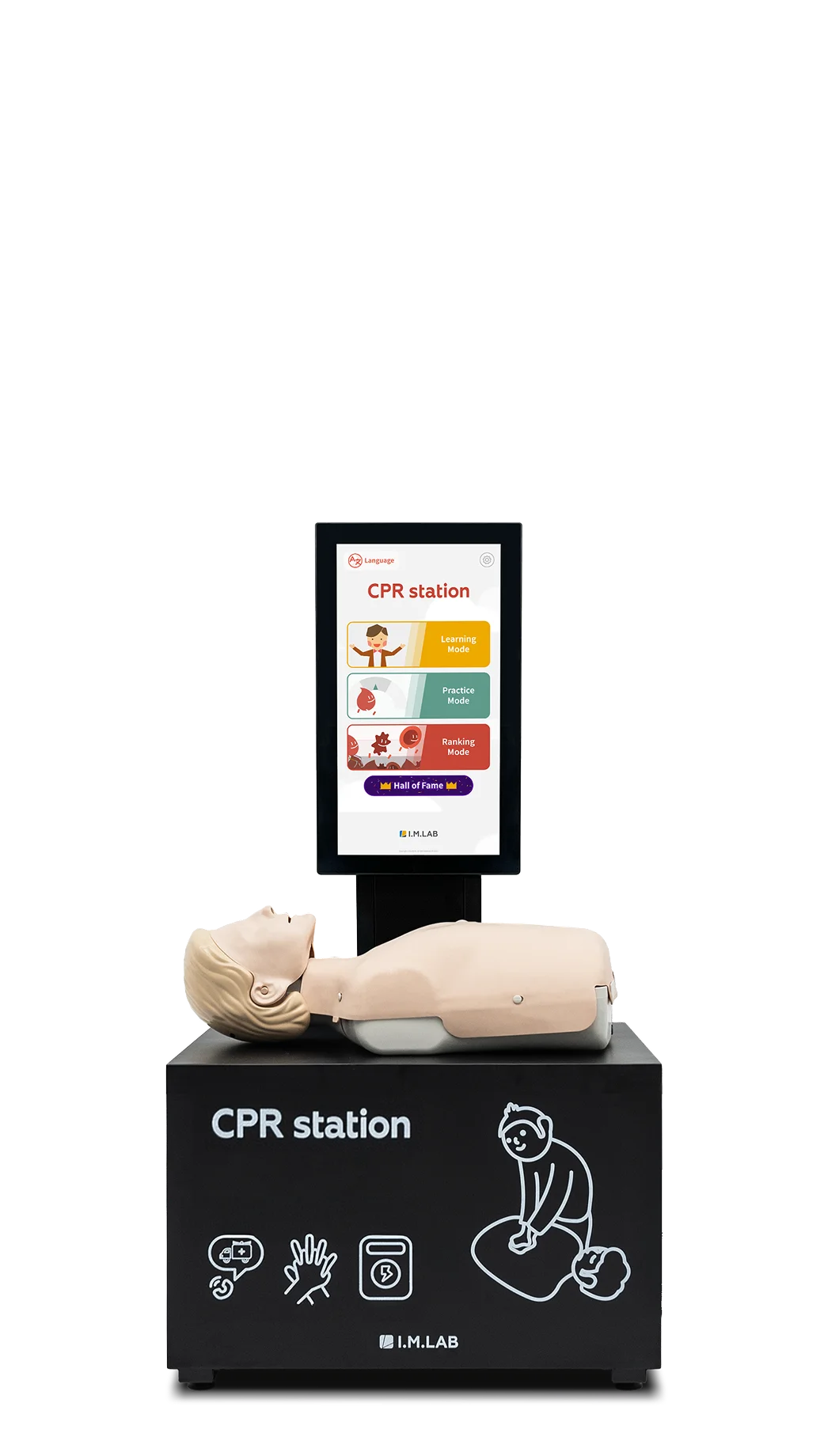
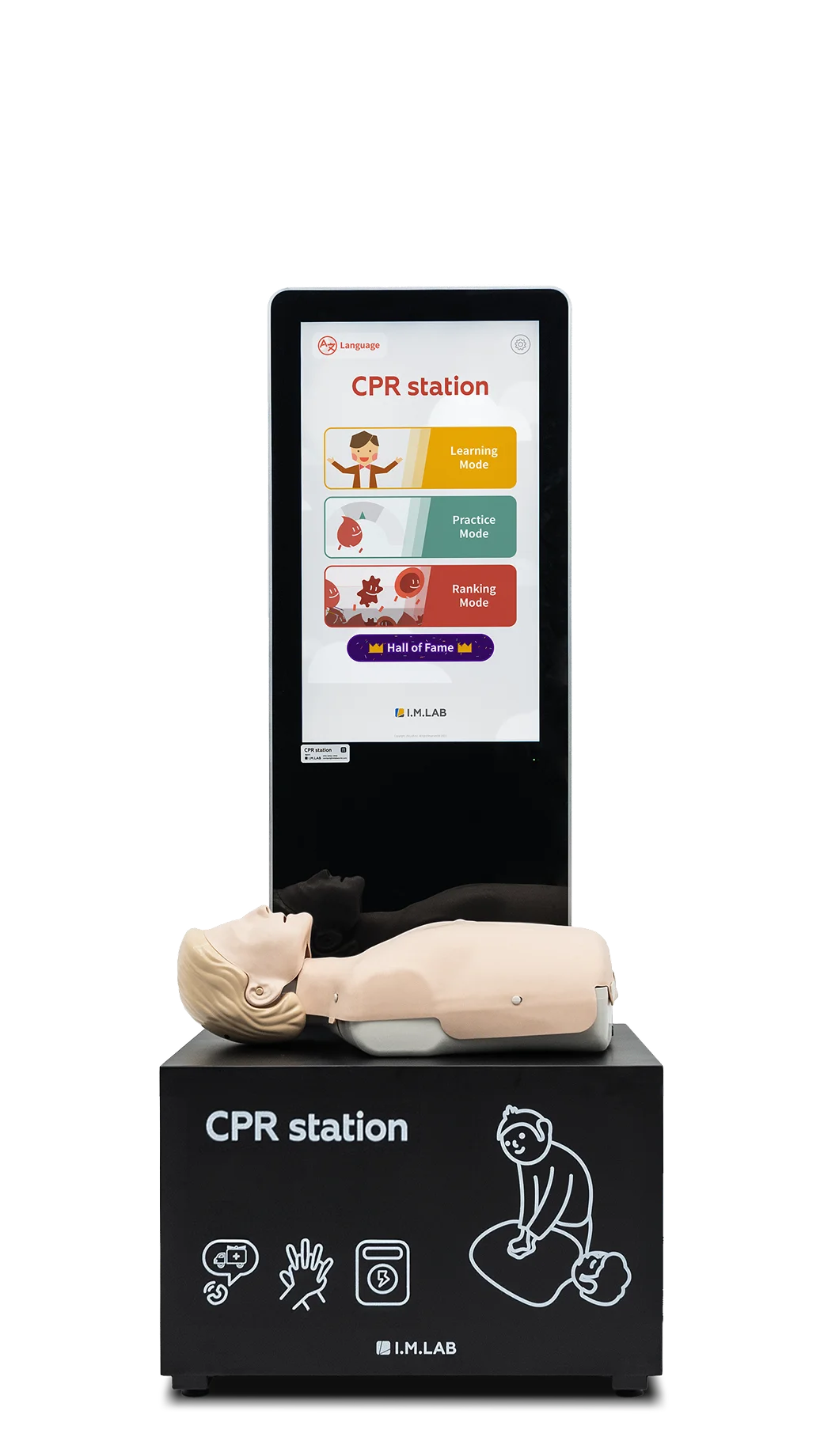

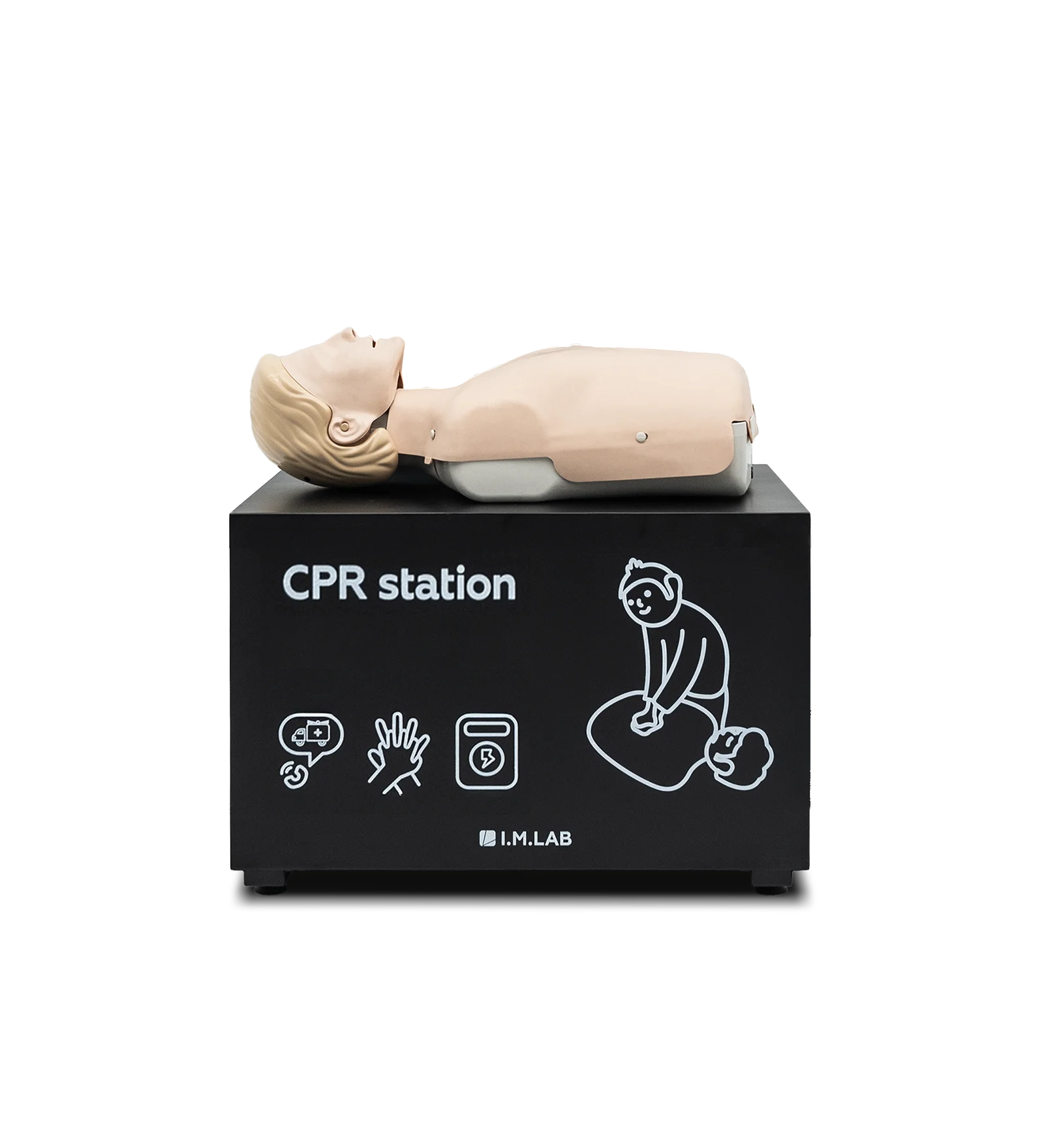
Components & Specifications
Compare specs by model below
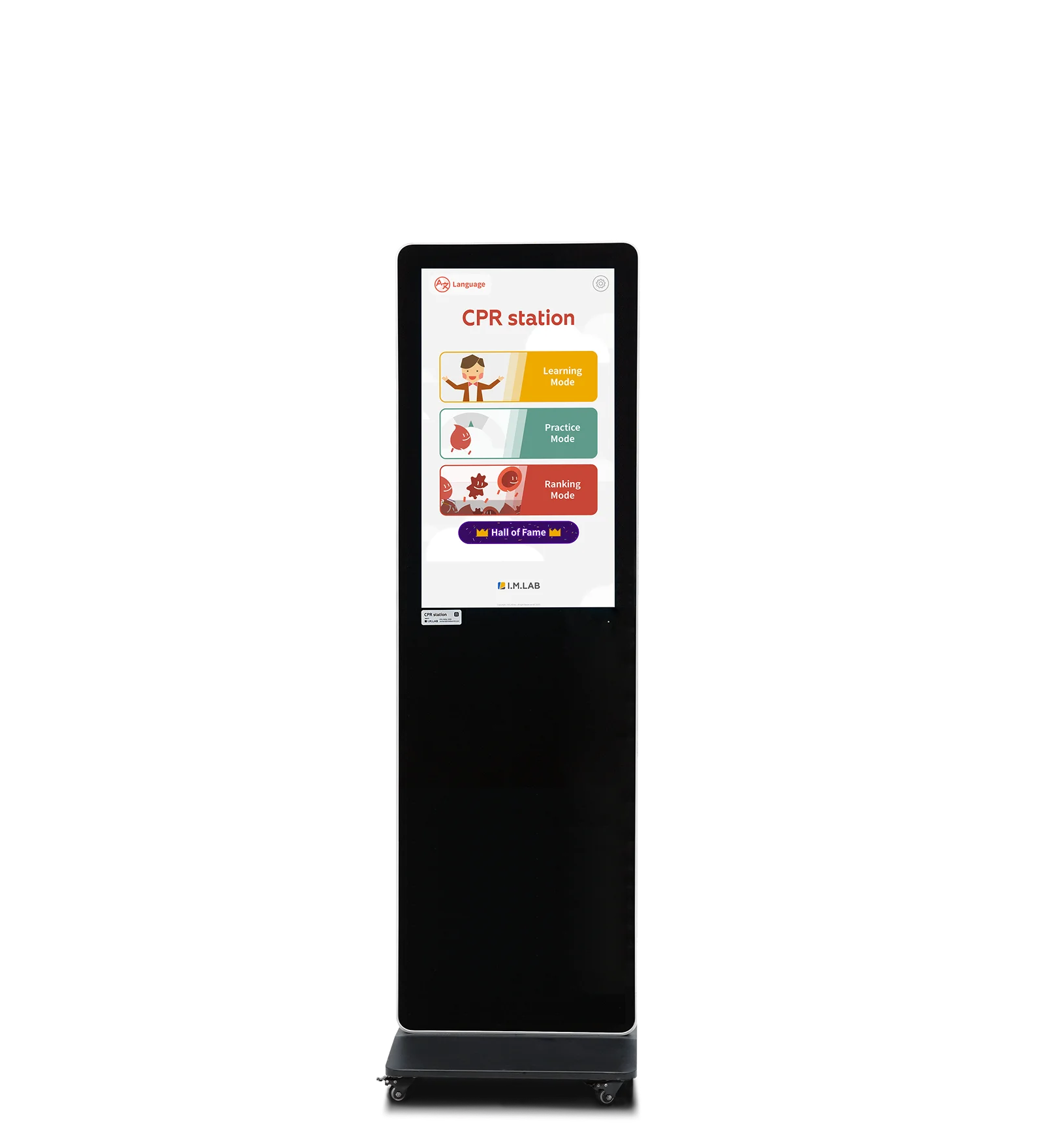
Station Unit (32-inch)
Stand (Universal)
※ Hardware configuration is customizable.
For manikins and feedback devices (cprcube), please contact us for customization.
I.M.LAB CPR station Management Solution
Build the CPR stationThat Fits Your Space
From hardware size to software tier
and booth type, choose what fits your space.
Option 1
CPR Self-Training BoothCreate a Private Hands-On Space
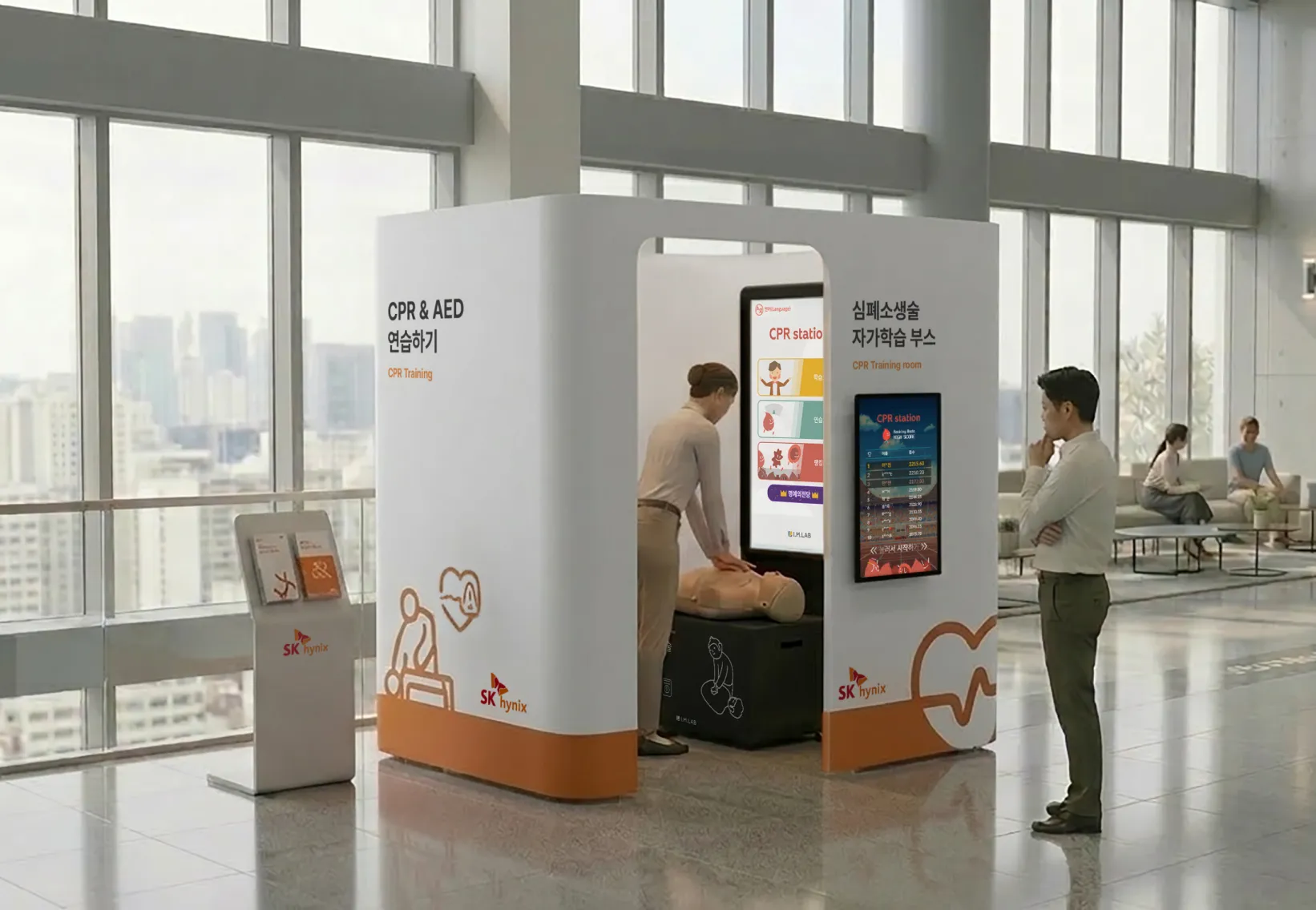
CPR Self-Training Booth
A self-training booth that gives each learner a private space. It is designed so they can focus on CPR practice without distraction.
- Dimensions
- D1420 × W2120 × H2250 (mm)
- Material
- Electro-galvanized steel (EGI), aluminum
- Options
- Size, color, and shape adjustable within limits
Options
Hardware Size
Dimensions can be adjusted within the standard spec. We advise on options based on the installation site.
Software Tier
Choose the features and analytics tier you need. The setup can be optimized for your environment.
Booth Type
Choose the booth type that suits the site. Layouts can be configured for space efficiency.
Installations
SK hynix
Photos of CPR self-training booths on site. Click an image to view it larger.
Scroll sideways to see more
Option 2
CPR station Enterprise ModelFor Companies and Institutions, a Training Completion System
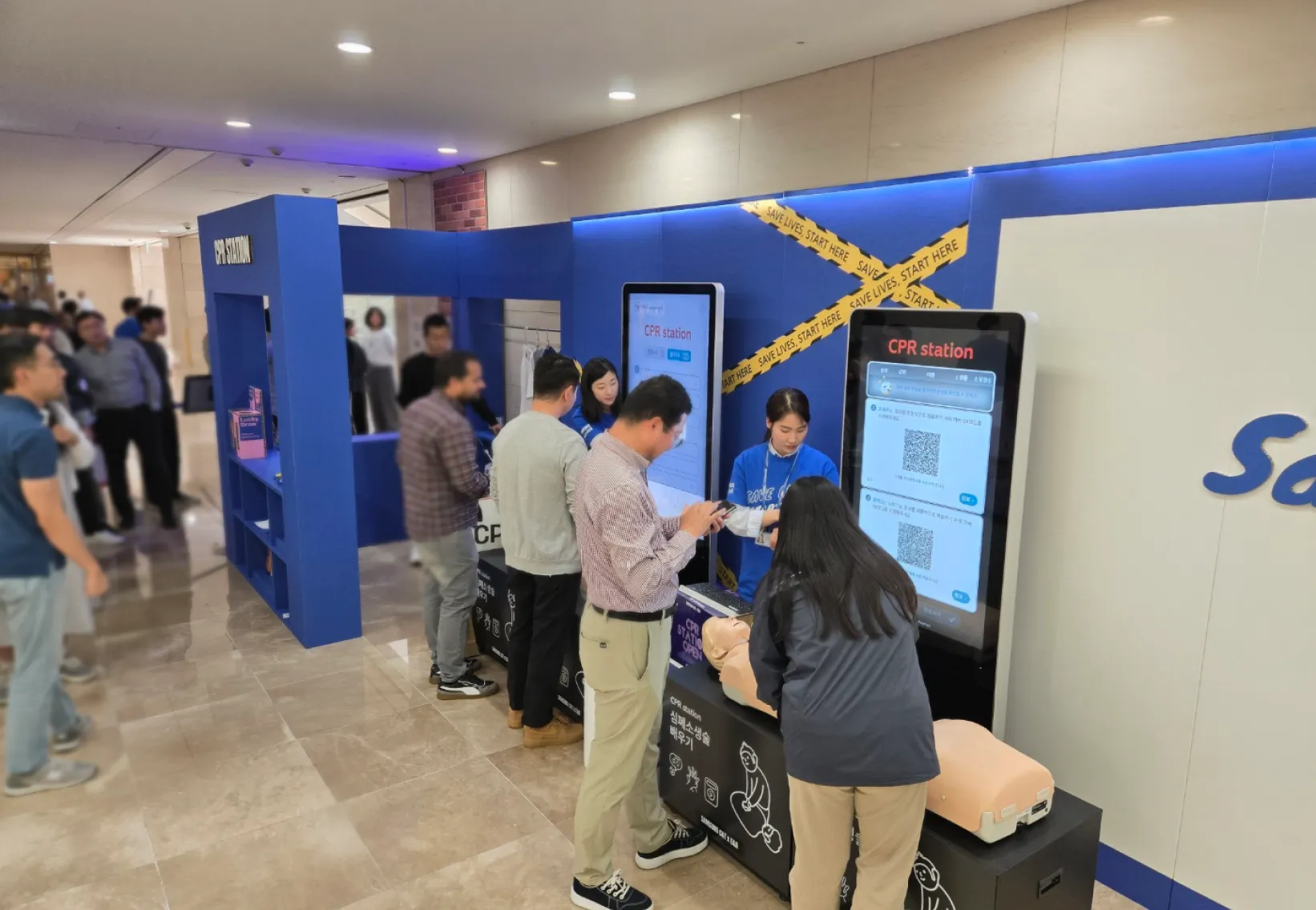
Enterprise Model
Install it in a shared workplace area to manage safety training completion for employees and on-site workers.
- Analytics
- Per-person training completion report
- Integration
- Integration with internal systems (on request)
- Certification
- Automatic completion certificate
Standard Features
Employee ID Sign-In
Employees sign in with their ID, so completion is recorded automatically for each person.
Certificate Issuing
Certificates are issued automatically on completion, and the history is available in the admin page.
Design Customization
Apply your logo and characters for a consistent brand experience.
Featured Installations
Photos of Enterprise model deployments on site. Click an image to view it larger.
Scroll sideways to see more